Automating Citrix Server Reboots
PowerShell script for automated Citrix server reboots with staggered user notifications, maintenance mode handling, and CSV-driven configuration.
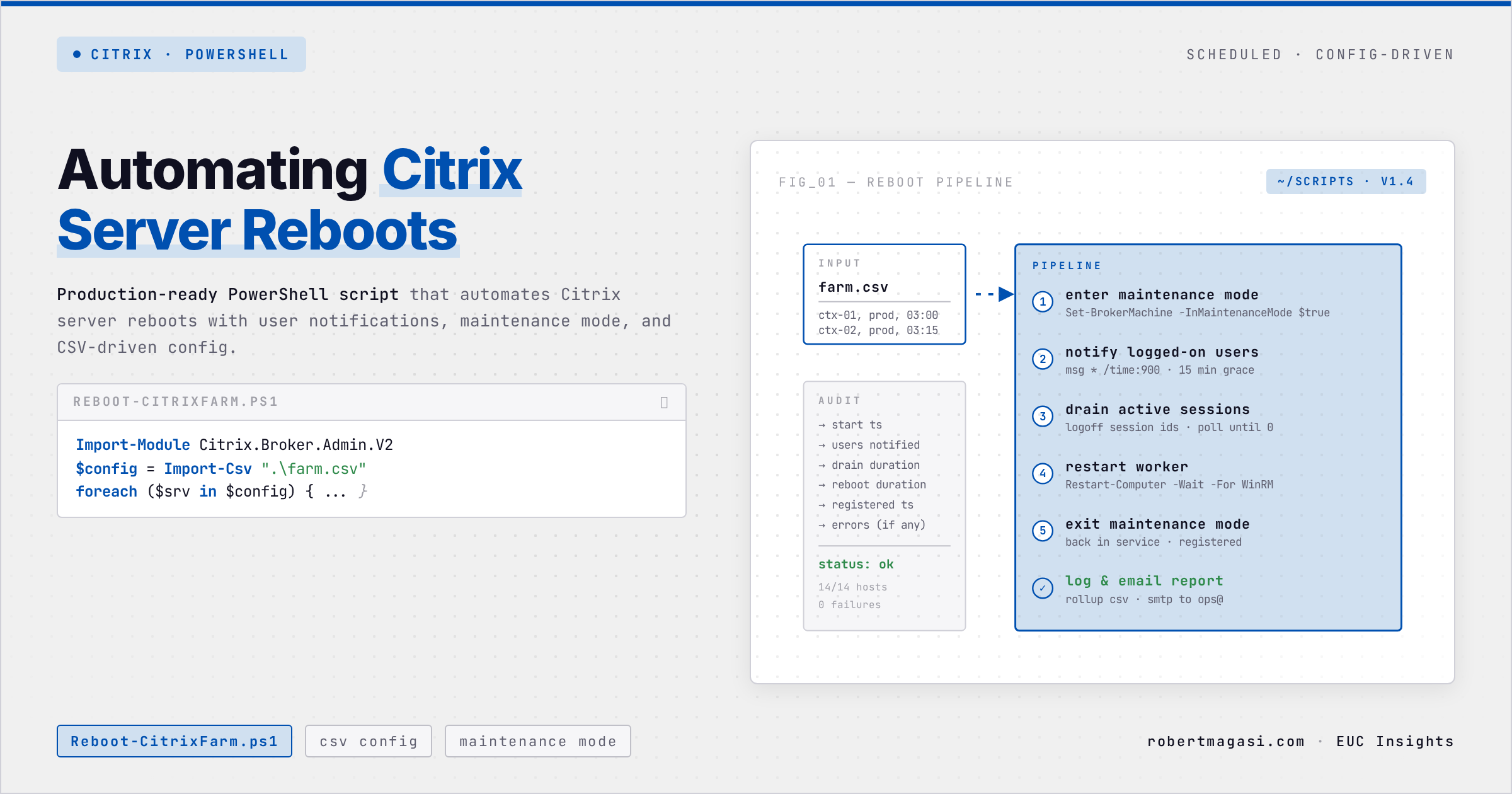
Citrix Delivery Groups have a built-in reboot schedule, and it’s blunt. You pick a time, the servers reboot, users get one warning shortly before. A customer needed something better, six advance notifications staggered from four hours out down to a final fifteen-minute warning, all automated, all driven by config instead of manual work per server. The built-in schedule can’t do that. So I built it.
The Solution: Config-Driven Reboot Automation
The script uses a CSV file to define which servers reboot on which day and at what time. One scheduled task runs daily, the script reads the CSV, checks if today matches any entries, and if so starts the reboot workflow.
CSV Configuration
1
2
3
4
ServerName,DeliveryGroup,RebootDay,StartHour
CTX-WORKER-01,Production VDA,Friday,23
CTX-WORKER-02,Production VDA,Friday,23
CTX-WORKER-03,Production VDA,Saturday,23
Adding a new server to the reboot schedule is a one-line CSV edit. No script changes, no new scheduled tasks.
Scheduled Task Setup
Schedule one task to run daily at 23:00:
1
2
3
Run as:  Citrix Scripting Service Account
Trigger: Daily at 23:00
Action:  PowerShell.exe -ExecutionPolicy Bypass -File "path\Citrix-Reboot-v2.ps1"
The script exits immediately if no servers are scheduled for that day and hour, so there’s no overhead on non-reboot days.
The Reboot Workflow
Once the script identifies servers scheduled for today, the workflow is:
1
2
3
4
5
6
7
T-4h   → Enable maintenance mode + first user notification
T-3h   → Notification
T-2h   → Notification
T-1h   → Notification
T-30m  → Notification
T-15m  → Final warning ("You will be logged off in 15min")
T-0    → Force logoff remaining sessions → Reboot → Disable maintenance mode
The notification schedule adjusts automatically based on the RebootDelayMinutes parameter. For testing, pass -RebootDelayMinutes 5 to run through the entire cycle in five minutes.
Key Design Decisions
Maintenance Mode Bracketing
The script enables maintenance mode as the very first action, before any notifications go out, and disables it again immediately after issuing the reboot command. The first half stops new sessions from landing on a server that’s about to reboot. The second half lets the server start accepting sessions again the moment it comes back online, no manual step required. This is the part most often missed in manual processes, someone forgets to flip the maintenance flag before starting the warnings, or forgets to flip it back after the reboot.
Notifications via Citrix Broker
User notifications use Send-BrokerSessionMessage. They appear as a pop-up inside the user’s Citrix session, not as a Windows toast notification. That matters when the user is on a thin client, a locked-down endpoint, or a mobile device, where the toast may never reach them.
1
2
3
4
Send-BrokerSessionMessage -InputObject $sessions `
    -MessageStyle Exclamation `
    -Title "Scheduled Maintenance" `
    -Text $message
Force Logoff at T-0
Any sessions still active at reboot time are force-logged off with a 30-second grace period before the reboot command is issued:
1
2
3
$sessions | Stop-BrokerSession -ErrorAction SilentlyContinue
Start-Sleep -Seconds 30
New-BrokerHostingPowerAction -MachineName $Machine.MachineName -Action Restart
Logging
Every action is logged to both a timestamped transcript file and the Windows Event Log:
1
2
3
4
[2026-03-15 22:00:01 (UTC)] [Information] Enabling maintenance mode on: CTX-WORKER-01
[2026-03-15 22:00:02 (UTC)] [Information] [CTX-WORKER-01] Sent notification to 12 session(s)
[2026-03-15 02:00:05 (UTC)] [Information] [CTX-WORKER-01] Forcing logoff of 2 remaining session(s)
[2026-03-15 02:00:37 (UTC)] [Information] [CTX-WORKER-01] Initiated reboot
Testing
The -RebootDelayMinutes parameter compresses the full cycle into a few minutes for testing:
1
2
# Test with 5 minute cycle
.\Citrix-Reboot-v2.ps1 -RebootDelayMinutes 5
This runs through the full notification and reboot cycle in five minutes, letting you verify the script works correctly before deploying to production.
Requirements
- PowerShell 5.1+
- Run as Administrator
- Citrix PowerShell SDK (modules or snap-ins, the script handles both)
- Service account with Citrix delegated admin rights (Machine Administrator or higher)
Download the Script
The full script is available to download directly:
⬇ Download Citrix-Reboot-v2.ps1
Questions about the script or want to share how you’ve adapted it? Reach out on LinkedIn.
This post was written with assistance from Claude (Anthropic) as a drafting and editing tool. All technical content, solutions, and recommendations reflect my own hands-on experience and professional judgment.